
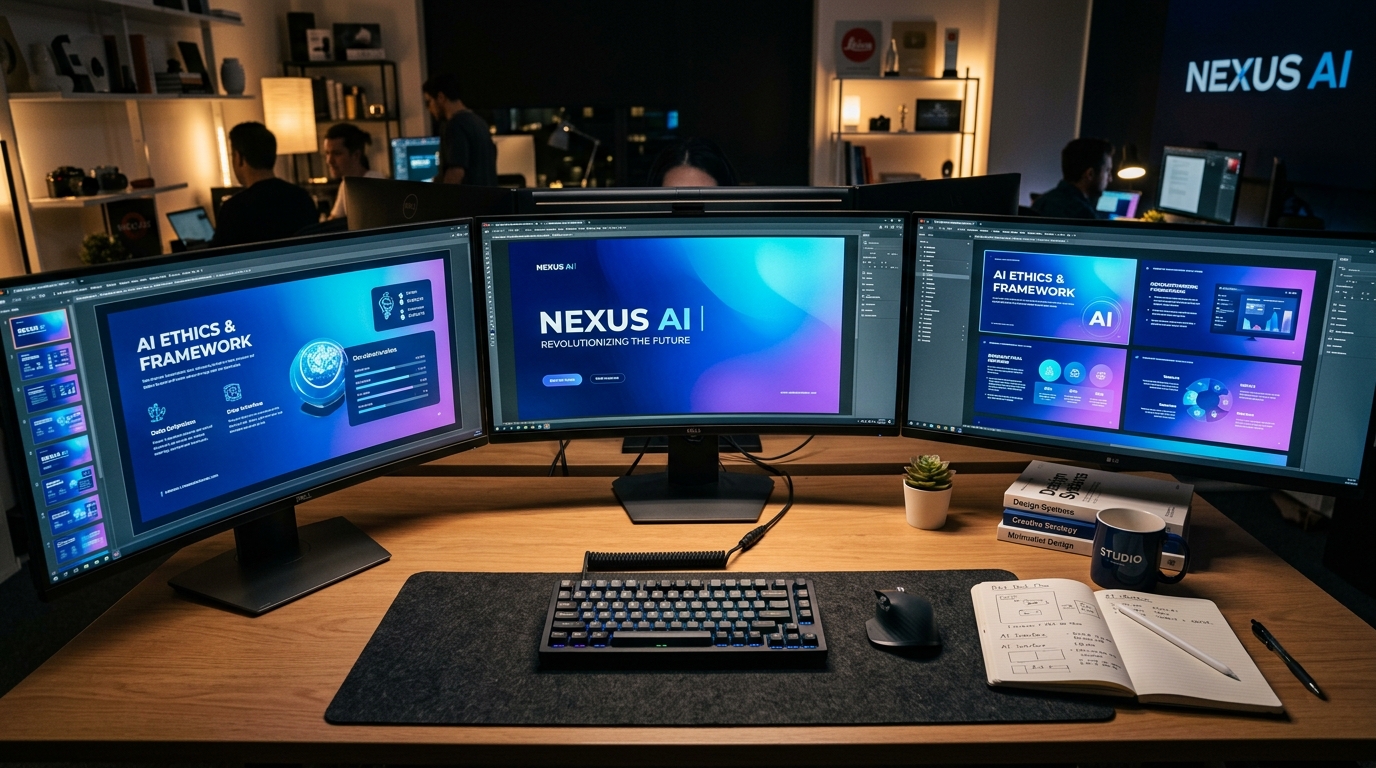
Designing an investor pitch deck or high-stakes corporate presentation used to require either a $3,000 freelance design agency or 20 painful hours wrestling with PowerPoint alignment guides. Today, choosing the best ai presentation tools for executive pitch decks can mean the difference between a cluttered, distracting presentation and an elegant, investor-ready pitch deck that closes funding rounds.
However, not all generative presentation platforms are created equal. Many popular AI slide generators produce flashy, colorful graphics suited for school projects but utterly inappropriate for venture capitalists or corporate boards. Senior executives and institutional investors expect clean typography, defensible financial charts, generous whitespace, and precise narrative pacing.
To identify the best ai presentation tools for executive pitch decks, our team evaluated 11 software solutions against real startup pitch decks, quarterly board updates, and sales presentations. Below are our hands-on findings and side-by-side comparisons of the top three platforms leading the market in 2026.
The Evaluation Criteria: What Makes an AI Tool Executive-Ready?
When selecting the best ai presentation tools for executive pitch decks, we scored each software across five non-negotiable workplace criteria:
- Design Restraint & Minimalist Aesthetics: Avoidance of juvenile clip art, generic 3D illustrations, or garish color schemes.
- Data Visualization Fidelity: The ability to import CSV and Excel models and generate clean, mathematically accurate charts.
- Export Flexibility: Native export to standard editable
.pptxand high-resolution PDF formats without layout distortion. - Prompt Context Understanding: How effectively the AI parses complex technical briefs without hallucinating facts.
- Collaboration Capabilities: Real-time co-authoring, version control, and permissions for executive teams.
1. Gamma App: The Gold Standard for Outline-to-Deck Generation
For founders and executives who want to turn rough bulleted notes into complete, polished presentations in seconds, Gamma is currently the market leader. Unlike traditional slide makers that constrain you to 16:9 boxes, Gamma functions like a hybrid document and presentation canvas.
Key Strengths for Pitch Decks:
- Adaptive Cards: You can expand individual cards to incorporate nested tabs, interactive charts, and video embeds without breaking slide alignment.
- One-Click Theme Restyling: Switch your entire presentation from a dark executive palette to a clean light theme with a single click.
- Exceptional Markdown Support: If you convert raw notes using our guide on how to convert Word documents to PowerPoint with AI, Gamma renders the outline into beautifully spaced cards in under 60 seconds.
2. Beautiful.ai: Best for Strict Brand Alignment and Design Guardrails
If your primary struggle is keeping non-designers from ruining slide layouts, Beautiful.ai offers the strongest intelligent guardrail engine in the industry. As you add content, the tool automatically recalculates margins, paddings, and typographic scale.
Key Strengths for Executive Teams:
- Smart Slides Engine: Automatically adjusts layout as you type, ensuring margins never overlap or distort.
- Corporate Brand Lockdown: Enterprise accounts can lock corporate brand colors, approved typography, and official logos across all team members.
- Seamless Metric Visualizations: If you need to present funding milestones or ARR growth, combine Beautiful.ai with our guide on how to structure investor-ready data visualizations in slides with AI.
3. Microsoft Copilot for PowerPoint: Best for Corporate Enterprise Ecosystems
For organizations operating strictly within Microsoft 365 enterprise security perimeters, Microsoft Copilot for PowerPoint provides the convenience of native Microsoft Office integration. It pulls directly from internal OneDrive documents, emails, and SharePoint files without requiring third-party data sharing.
Feature Comparison of the Top 3 AI Presentation Tools
| Feature | Gamma App | Beautiful.ai | Microsoft Copilot |
|---|---|---|---|
| Best Use Case | Rapid Outline & Pitch Decks | Strict Brand Guardrails | Enterprise M365 Ecosystem |
| Export Options | PDF, PPTX, Web Link | PPTX, PDF | Native PPTX |
| Learning Curve | Under 5 minutes | Moderate (15 mins) | Very Low (Familiar Office UI) |
Executive Pitch Deck Verification Protocol
Investor Presentation Golden Rule:
Never rely on an AI presentation tool to invent your market size (TAM/SAM) or competitive moat. Always supply verified financial inputs from your master spreadsheet models. Tools should handle formatting, visual balance, and narrative pacing—not core business strategy.
Final Recommendation
If you need speed and dynamic web presentations, Gamma is the clear winner for early-stage startup founders. For corporate teams requiring strict brand compliance, Beautiful.ai provides the ideal design constraints. Selecting the best ai presentation tools for executive pitch decks ensures your slide deck commands respect and delivers clear business results.
Licensing Costs and Enterprise Pricing Breakdown
When selecting among the best ai presentation tools for executive pitch decks, understanding licensing models and team seat economics is essential for corporate budget planning:
| Platform | Free Tier Capabilities | Pro / Team Pricing | Enterprise Security |
|---|---|---|---|
| Gamma App | 400 AI credits upon signup | $8 – $15 / user / month | Custom domains, analytics |
| Beautiful.ai | 14-day full feature trial | $12 / user / month (annual) | SSO, brand lock, team themes |
| Microsoft Copilot | None (requires M365 license) | $30 / user / month add-on | Enterprise-grade HIPAA / SOC2 |
When to Choose Custom Human Designers Over AI
While AI presentation software handles 80% of routine corporate slide production with remarkable efficiency, certain high-stakes scenarios still warrant bespoke human graphic design:
- Late-Stage Venture Roadshows ($10M+ Rounds): Tier-1 venture pitches require bespoke motion graphics, proprietary product render animations, and tailored visual brand storytelling.
- Complex Technical Architectural Blueprints: Systems engineering diagrams that feature multi-cloud infrastructure diagrams often require custom vector illustration.
- Annual Public Shareholder Meetings: Public company earnings decks require strict legal compliance verification that exceeds automated design capabilities.
Frequently Asked Questions: AI Pitch Deck Software
Do AI presentation tools export clean, editable PowerPoint files?
Yes. Both Gamma and Beautiful.ai offer native .pptx export options. Text boxes and basic chart elements remain editable inside desktop PowerPoint, although custom CSS-based animations may convert into static elements.
Can multiple team members collaborate in real time on AI-generated decks?
Gamma and Beautiful.ai feature cloud-based multi-user co-authoring similar to Google Docs or Figma, allowing team members to edit text, leave comments, and adjust visual themes simultaneously.
Final Pitch Deck Review Checklist
Pre-Pitch Visual Quality Checklist:
- Confirm that total slide count remains between 10 and 15 slides for standard pitch meetings.
- Ensure all financial projections are clearly labeled as actuals vs. forward forecasts.
- Test presentation display on multiple screen resolutions including 16:9 widescreen monitors.
Enterprise Evaluation Criteria for Executive Slide Automation
When selecting among the best ai presentation tools for executive pitch decks in an enterprise setting, technology leaders evaluate solutions against four primary benchmarks: data isolation security, corporate typography fidelity, vector export versatility, and slide rebuild speed.
Tools that excel in pitch deck development must allow direct SVG or PowerPoint format downloads so corporate design teams can refine branding nuances before board presentations. Furthermore, enterprise accounts require audit logging to guarantee proprietary financial disclosures are never retained for third-party public foundation model training.
Executive Pitch Deck Readiness Checklist:
- Verify that contrast ratios across dark and light slide layouts pass WCAG standards for projector screens.
- Confirm all quantitative chart numbers match audited fiscal balance sheet totals identically.
- Ensure the core pitch narrative answers customer problem, solution, TAM, and defensibility within the first six slides.